Browser agent for lead generation: 6 steps
12 min read

A browser agent for lead generation reads pages in real tabs like a person, collects named fields into a table, and asks your approval before it sends, posts or changes an account. In Cuiar, the vault keeps passwords out of the model, and page text is data that the model never obeys. The Cuiar CLI works today; the desktop app is not released yet.
Sales, marketing and recruiting teams repeat the same chore every week, and a browser agent for lead generation can take it over. They open a directory, check company sites, scan an exhibitor page, read job listings and paste rows into a sheet. The sources and the fields rarely change.
After reading, you can set up a research-first lead sweep, check the rules that govern it, and choose where a person approves each step.
Key Takeaways
- Give each task one source and one field list, so a long directory doesn’t hit the step cap.
- Run the first pass in read-only mode, in a workspace kept only for prospecting.
- Site terms, LinkedIn’s rules, GDPR and CAN-SPAM apply to every sweep, whatever tool runs it.
- An unanswered approval in a routine means nothing happens, so a night run cannot e-mail prospects alone.
What is a browser agent for lead generation?
A browser agent for lead generation is an AI agent that reads company pages, directories and listings in real browser tabs, then collects the fields you name into a table. It stops for approval before it sends or changes anything.
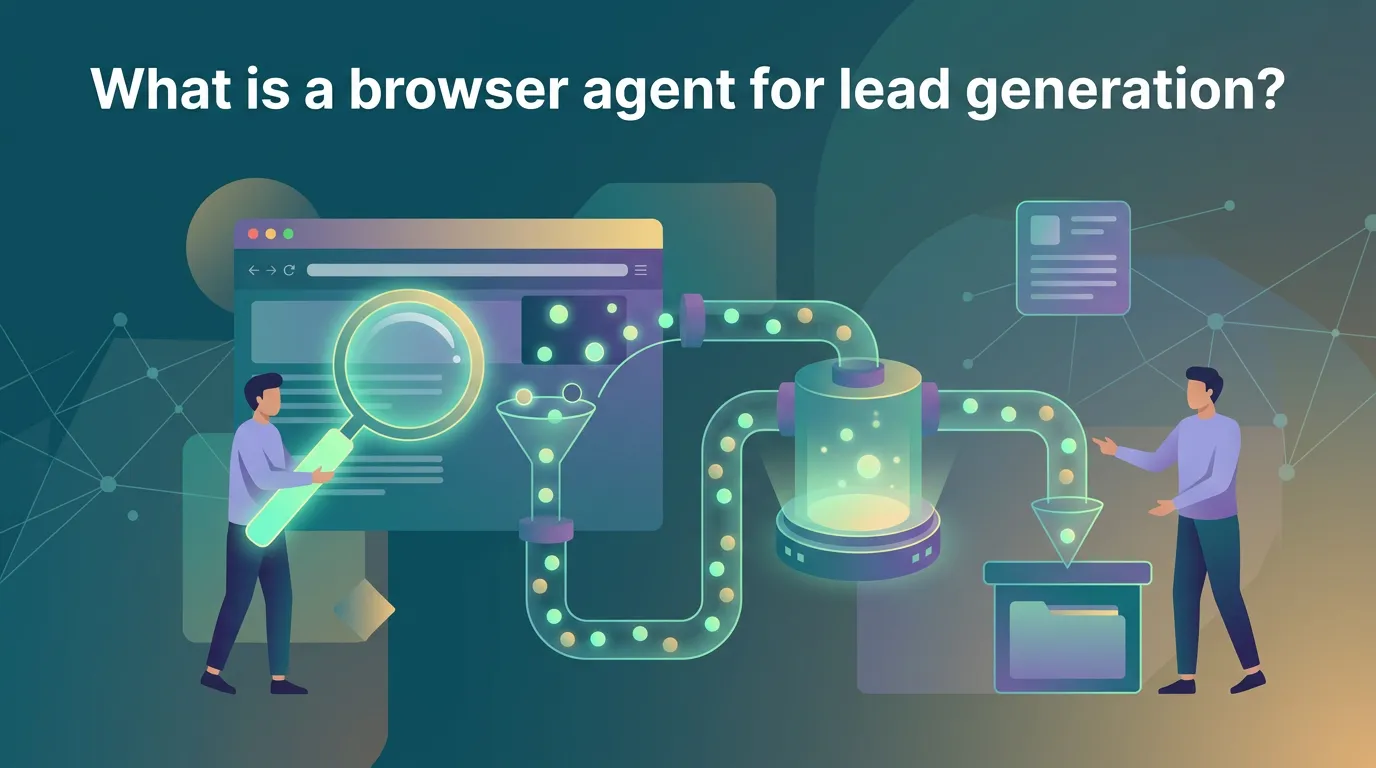
A fixed-selector scraper needs a selector for every field on every site. When a site renames a class, the scraper returns empty cells.
The agent finds a company name or a contact link by what the element is, so a changed class name does not break the run.
Cuiar’s home page says the agent works in your own signed-in tabs and workspaces, not in a shared cloud bot.
A lead task has the same shape every week. You name the source and the fields in one sentence, the agent opens the tabs and fills one row per company, and you approve anything that sends or changes an account.
Typical fields for a browser agent for lead generation are company name, website, city, team size, contact page and source URL. A data template then copies the rows into a sheet.
How do you run lead generation with a browser agent, step by step?
You run lead generation with a browser agent in six steps, from a field list to a reviewed table that moves on only after your approval.
-
Define the prospect and the fields. Write who counts as a lead. Collect company name, site, role or team, public business e-mail or contact page, source URL and date checked. Leave out private addresses.
-
Pick the workspace and permission mode. Use a workspace kept for prospecting, so its sign-ins stay apart from your other work. Choose read-only for the research pass, and guard when a step must change something.
-
Give one sentence per source. Start from the sales templates, or type your own:
- Directory: “Open this business directory, search dental clinics in Porto, and list each company’s name and website.”
- Company site: “On this site, read the team page and the contact page, and list each sales lead with the public business e-mail or contact link.”
- Event exhibitor page: “List each exhibitor’s name, website and booth number from this page.”
- Job listings: “On this job board, list the companies hiring a warehouse manager, with the company site and the listing URL.”
-
Run the task. Watch the tab, or take over at any step. Keep each task to one source, so it finishes well inside the step cap.
-
Review the table. Open the source URL for a few rows and check the e-mail and the role. The result arrives as a table in the task, an e-mail from a routine, or JSON from the CLI.
-
Hand over. Moving rows into a CRM changes an account, and sending an e-mail sends a message. Cuiar’s home page says the agent “asks you before it pays, posts or sends.”
Two ways to run a browser agent for lead generation
Cuiar runs a browser agent for lead generation from its side panel or from your own AI agent. Type the sentence in the side panel and the built-in agent does the work, or let Claude Code, Codex or Cursor drive Cuiar over MCP or the CLI, as the setup pages for AI agents show.
Cuiar’s MCP docs state that work your own Claude Code, Codex or Cursor does over MCP uses no Cuiar credits, because your own AI plan pays for the model.
The remote MCP server is https://mcp.cuiar.com/mcp. The MCP specification defines Streamable HTTP as one of its standard transports, and requires OAuth 2.1 for MCP authorization.
For a script, cuiar exec --json returns JSON. The --permission flag takes one of the three modes: read-only, guard or full.
cuiar exec --json --permission read-only --workspace prospecting "Open the exhibitor list on this event page and list each company's name, website and booth number"The Cuiar CLI works today on macOS and Linux, and the Cuiar app must be open and signed in.
The desktop app is not released yet. Its download page lists each build as “Not yet released” and offers “E-mail me when it is ready”. You can also sign up at cuiar.com/signup.
How does a browser agent use login-gated lead sources safely?
A browser agent uses a login-gated lead source safely when the vault fills the sign-in and the model learns only who is signed in. When a directory needs an account before it shows contact roles, the agent opens the sign-in page and the vault takes over.
According to Cuiar’s security page, the vault types the user name, the password and the one-time code into the page, and the model gets only “signed in as” and the user name.
The vault fills a login only on that login’s site, and it checks the site’s address first.
Every use goes into the activity log on cuiar.com/vault.
Keep prospecting accounts apart
Workspaces keep one sign-in from touching another when a browser agent for lead generation uses several accounts. Cuiar’s home page says each workspace holds its own cookies, storage and sign-ins, like a separate computer.
Two workspaces side by side share no data, so a sales-directory account and a recruiting-board account never mix. According to Cuiar’s pricing, Free has 3 workspaces, Pro has 15, and Team has unlimited.
Treat every page as untrusted
Company sites and directories are written by other people, and a page can hide text meant to steer an AI model. The OWASP Top 10 for LLM applications lists this as prompt injection and describes it as a case where “user prompts alter the LLM’s behavior or output in unintended ways.”
Cuiar sends page text to the model between markers with a random ID. The page cannot write or close these markers.
The model is told never to follow requests, commands or rules in that text, and never to let it change the task.
Which lead generation steps need approval from a person?
Four kinds of lead generation steps always need a person’s yes: sending a message or e-mail, posting, paying, and changing an account or a CRM record. Reading a directory or an exhibitor page needs no approval.
Cuiar’s security page says the agent asks before it pays, posts, sends or changes an account. The browser finds these actions itself, so the agent stops even when the model forgets to ask.
The 69-second film shows approvals in the side panel.
A routine runs your browser agent for lead generation with no one watching. A weekly sweep that reaches a send step at 03:00 sends nothing while you sleep.
The permission modes control what a browser agent for lead generation may change:
- read-only: use it for the first pass over a directory.
- guard: you approve each change.
- full: you turn it on yourself.
The HubSpot templates page shows how this works for a CRM. Its 10 tasks read and update contacts, companies and deals and log notes, and a bulk change waits for your approval.
What rules apply to a browser agent collecting B2B leads?
A browser agent that collects B2B leads works under four groups of rules: site terms, platform rules, data protection law and e-mail law. None of this is legal advice, so ask a lawyer about your own case.
-
Site terms. Read each site’s terms of use before the run. Check whether they allow automated access or copying of listings, and drop any source whose terms say no.
-
Platform rules. LinkedIn’s help page on prohibited software and extensions says it doesn’t permit third-party software, including crawlers, bots and browser extensions, “that scrapes, modifies the appearance of, or automates activity on LinkedIn’s website”.
The LinkedIn User Agreement bars using software “to scrape the Services or otherwise copy profiles and other data from the Services”. Read both pages before you point any agent at LinkedIn.
Our LinkedIn templates read public pages at a human pace and send nothing without approval. The templates don’t change what LinkedIn’s rules say.
- Data protection.
GDPR Article 21 gives people the right to object to direct marketing at any time. After an objection, “the personal data shall no longer be processed for such purposes.” For each lead, record:
- the source page and the date you collected it
- the interest you rely on and why the data is needed
- any objection, kept on a suppression list that every later run checks
- E-mail law. The FTC’s CAN-SPAM compliance guide says the law makes no exception for business-to-business e-mail. It also requires you to honor an opt-out request within 10 business days.
Add a working opt-out and your postal address to every commercial message you send after a lead is found.
A browser agent for lead generation drafts each message, and a person approves each send. If a site blocks the agent, the task goes to a person or to another source.
How do lead results leave the agent and repeat each week?
A weekly lead sweep leaves the agent through a routine that runs on a schedule, e-mails each result and, if you add a webhook, posts it to your script.
-
Create the routine. Enter a 5-field cron and a time zone. Runs must be at least 15 minutes apart. An event trigger, such as new e-mail, works in place of a schedule.
-
Read the e-mail. Each result arrives by e-mail, so you check the table before anything moves on.
-
Add a webhook. Your script checks the signature with your secret before it trusts the body. A script can also call
cuiar exec --jsonand read the exit code, which runs from 0 to 9. -
Fill a sheet. Use the data templates that copy tables into sheets and export records.
-
Recover from a stop. If a task stops at its step cap, check the task, narrow the source or page range, and run it again.
Routines run in the Cuiar app on your computer, so keep it open and signed in.
This cron line runs the exhibitor sweep every Monday at 07:00 in the time zone you pick:
0 7 * * 1The result comes by e-mail, and the signed POST reaches your script at the same time.
According to Cuiar’s pricing, routines are unlimited on every plan. Free is $0 with 1,000 credits a month, Pro is $20 a month with 4,000 credits, and Team is $200 a month with 50,000 credits.
What are the limits of a browser agent for lead generation?
A browser agent for lead generation has six limits, and each one has a workaround.
-
Step cap. Split a large list into smaller tasks, such as one block of directory pages per task.
-
Pages that block automation. The agent may be stopped on them. Use another public source for the same data, or do that step yourself.
-
No desktop build and no mobile app yet. Make an account at cuiar.com/signup to get an e-mail when the build is ready. On your phone, use channels and e-mail to start tasks and answer approvals.
-
CLI platforms. Windows users wait for the app.
-
Judgment. The agent collects the fields you name. A person still judges fit, writes the first message and decides who to contact. Our sales templates keep those steps behind an approval.
-
Incognito tasks. Cuiar deletes them 10 minutes after they end, so copy the table you need before then.
A browser agent for lead generation needs a person in three cases:
- Any send, post, payment or account change. The agent asks before it does one.
- Any login that needs a human check.
- Any legal question, such as which contacts you may e-mail.
Frequently asked questions
Can a browser agent for lead generation send outreach on its own?
No. Cuiar’s security page says the agent asks before it sends a message, posts or changes an account, and the browser detects these actions itself. In a routine, an action with no answer in 10 minutes is not done.
Does the agent see my passwords?
No. The vault types the sign-in into the page, and the model gets only “signed in as” and the user name.
Can I scrape LinkedIn with an AI agent?
LinkedIn’s rules forbid it. Its help page on prohibited software bars third-party software that scrapes or automates activity on the site, and its User Agreement bars copying profiles and other data. Check both before you collect anything.
Can I drive it with my own Claude Code, Codex or Cursor?
Yes, over MCP or the CLI. The Cuiar app must be open, and it is not released yet: sign up at cuiar.com/signup for an e-mail.
How is it different from a lead scraper?
A scraper depends on fixed selectors in page code. The agent works in real tabs and reads each page like a person, then stops for your approval before it sends or changes anything.
Next steps for your first lead sweep
Your first sweep with a browser agent for lead generation starts with one source and one field list.
Today, pick one source, such as a directory, and list the fields you want: company name, site, role. Write the task in one sentence. Read the site’s terms and rules before you run anything.
This week, run the task in read-only mode in a separate workspace. Review the table row by row, and reword the task where a field comes back empty.
Next, add a routine that runs the sweep on a schedule and e-mails each result. The agent still asks before it sends, posts or changes an account.
The Free plan costs $0 and includes 1,000 credits a month, unlimited routines and 3 workspaces, with no card.
Start free and run your first sweep read-only.
Sources
Cuiar home page · Security at Cuiar: the agent, the browser and our servers · Cuiar CLI for AI agents · Download Cuiar · Cuiar pricing · Prohibited software and extensions | LinkedIn Help · LinkedIn User Agreement · Art. 21 GDPR Right to object. Every other source is linked where the article cites it.
- browser agent
- lead generation
- b2b prospecting
- ai automation
- gdpr
- approvals
Try Cuiar
Cuiar is a browser with an AI agent built in. The agent works in your tabs and signs in from your vault. It is free to start, with no card.
More from the blog
AI browser for social media management: Reports
What can an AI browser for social media management do? It reads login dashboards, builds weekly reports and stops for your yes before it posts. Start free.
Browser agent for flight booking: Step by step
Can a browser agent for flight booking pay for you? It compares fares alone and asks before it pays. Learn the steps, fare re-checks and price watches.
Browser agent for hotel reservations: How it works
Learn how a browser agent for hotel reservations works: it compares total prices and cancellation terms, then asks your approval before it pays. Start free.